Open & Read Multiple Files Simultaneously Using with Statement In Python.

I am a self-taught Python developer who loves to write on Python Programming and quite obsessed with Machine Learning.
File
In computer terminology, a file is a container that stores some type of information in it.
We use files for future use of our data by permanently storing them on optical drives, hard drives, or other types of storage devices.
Since we store our data in the files, sometimes we need them to read, write, or see our data.
For such file operations, in Python, we have a built-in function, which can help in opening a file, performing reading and writing operations on a file, and even closing the file after the task is completed.
Introduction
In this article, we gonna discuss the ways how we can open multiple files using the with statement in Python?
Let's explore the ways and write some code.
Using open() function
Well, the first way we gonna discuss is the use of Python's in-built open() function.
If you are familiar with the open() function, then you might know that it takes only one file path at a time.
Here's the syntax:
open(file, mode='r', buffering=- 1, encoding=None, errors=None, newline=None, closefd=True, opener=None)
Hence, we cannot pass multiple files path and if we try to do so then we get an error.
But there is a way, we can use the with statement to open and read multiple files using the open() function.
Here's the code:
with open("first.txt") as file_1, open("second.txt") as file_2, open("third.txt") as file_3: Here, we usedopen()function for each file which is wrapped withinwithstatement.f1 = file_1.read() f2 = file_2.read() f3 = file_3.read(): Then we used read() function and store them in the variable.for lines in f1, f2, f3: We used theforloop to iterate over the contents, in each file.print(lines): Then we finally print the contents of each file.
Here's the output:
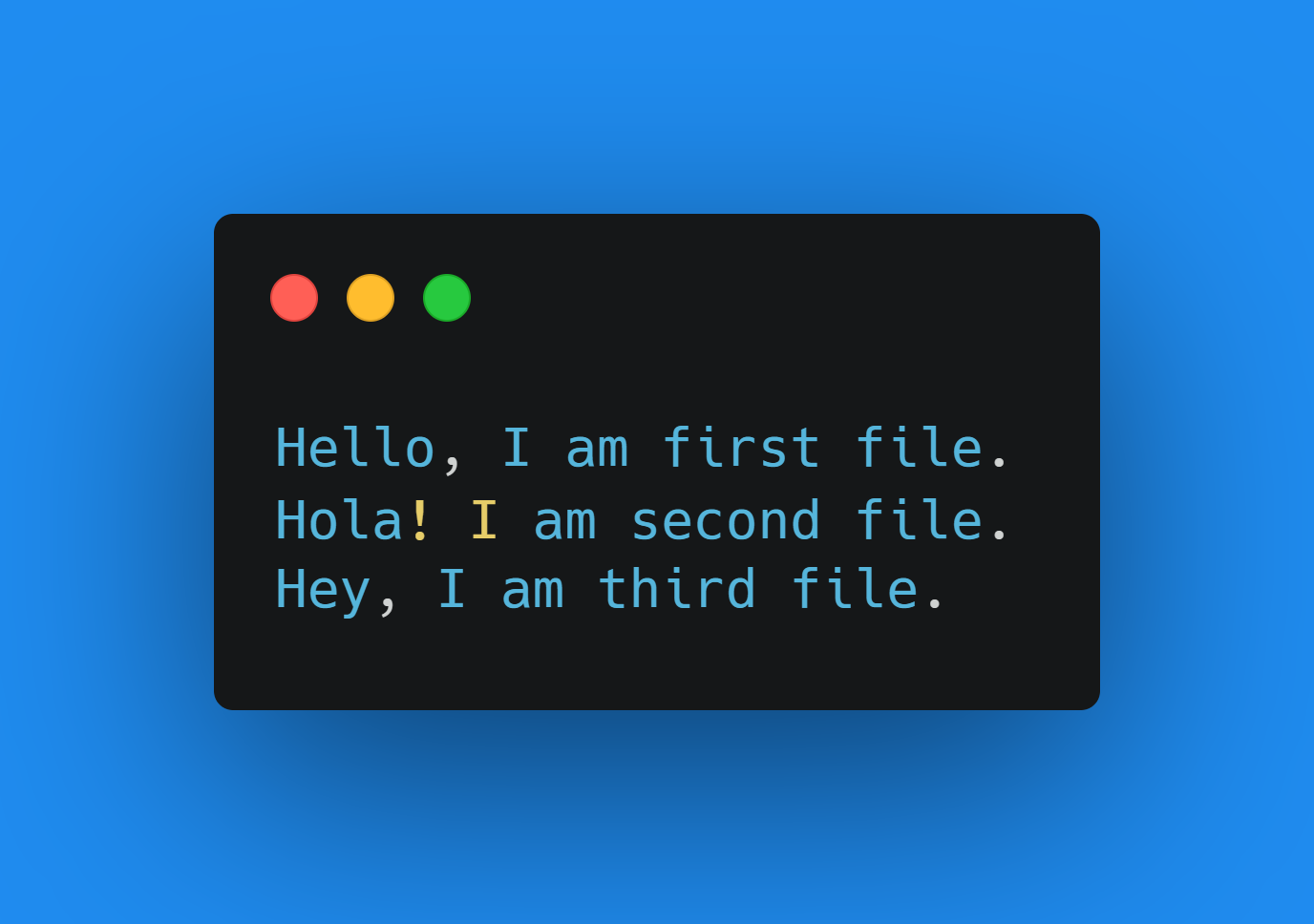
What if we have lots of files, which we have to open and read simultaneously, then we have to write more lines of code which in turn kinda gets messy, and it's not a good practice.
Well, we have another way of doing the same operation with lesser lines of code.
Using fileinput Module
First of all, fileinput module is a built-in module in Python, so you don't need to install it explicitly.
fileinput— Iterate over lines from multiple input streams
Using the open() function to open multiple files simultaneously can be good but it's not convenient.
Instead of using the first way, we can use fileinput module.
Let's dive into the code and learn the use case:
import fileinput: Since it's a module, we have to import it to get started.with fileinput.input(files=('first.txt', 'second.txt','third.txt')) as f: We are calling hereinputmethod fromfileinputmodule and specifying our files into it which we wrapped withinwithstatement.for line in f: Here we are usingforloop to iterate over the contents of our file.print(line): Finally printing those content.
for more details about
fileinputmodule Click here.
Here's the output:
The output is the same because we used the same files which we used above.
Note: This module opens the file in read mode only, we cannot open the files in writing mode. It must be one of 'r', 'rU', 'U', and 'rb'.
Conclusion
We carried out the same task but we used different approaches to handle them. Both ways are quite good.
We learned here two ways to deal with reading and opening multiple files. One is using the open() function and another was using the fileinput module.
But every function and module has its own pros and cons.
We can't use Python's open() function to open multiple files until and unless we use the with statement with it but if we have lots of files then the code will get kinda messy.
And for fileinput module, we get the same task done with lesser lines of code but it can be used for only read mode.
🏆Other articles you might be interested in if you liked this one
✅Perform high-level file operation using shutil module in Python.
✅Read and write zip files without extracting them using Python.
✅Take multiple inputs from the users in a single line in Python.
✅Generate and manipulate temporary files using the tempfile module in Python.
✅Extract data from the webpage's HTML using Python.
✅Opening, reading and writing files in Python.
✅Moving and locating the file cursor using seek() and tell() functions in Python.
That's all for this article
Keep Coding✌✌